Thursday, April 23, 2015

Makers & libraries - New resources #makerspaces

Libraries are a hub of innovation and learning. At my campus, our library is the “spot.” So, what better spot for a makerspace to fit than a library, where innovation is already occurring. Check out Fennovation.org and Making over your Library for more resources. Below are some programs around the nation that encourage teaching the whole child as well as design-based learning.

Enjoy!
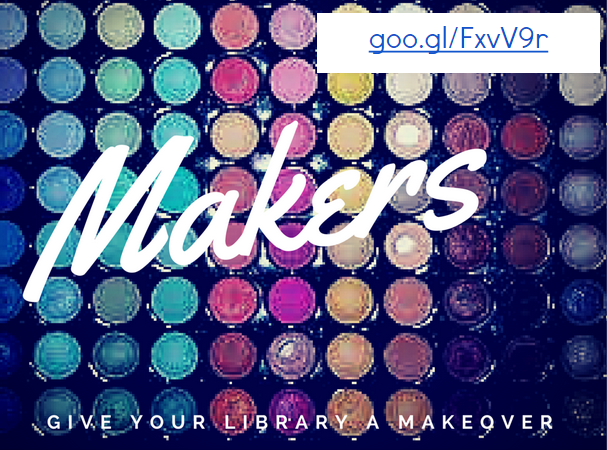


This program is based in NY and offers fellowships & programs. It “aims to create a pipeline of empowered community leaders from underutilized neighborhoods equipped with the 21st century skills necessary to launch careers or ventures spurring innovative projects in their communities.”
Austin, TX: The Acton Academy

This charter school began in Austin, TX, but you can apply to open a school anywhere. The school focuses on raising the whole child and design-based learning.

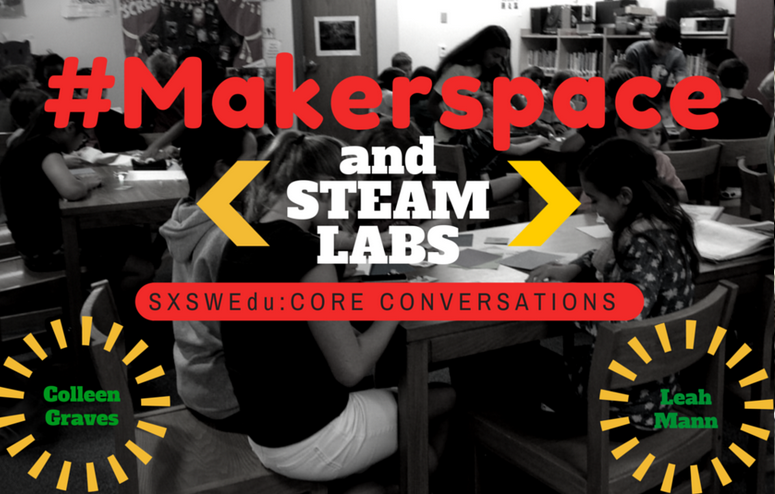
This TACKK was created by Colleen Graves and Leah Mann to help answer some critical questions regarding Makerspaces and implementing them in libraries. Both are awesome librarians!
Librarian Superstar: Colleen Graves

This librarian has an entire site dedicated to her exploration of makerspaces and the library. This page, in particular, contains many resources for getting started and a vision for what yours can look like.


Tuesday, April 21, 2015

What motivates learning? #YourEduStory

What motivates learning?

It seems simple to say passion. But, it really can be that simple. You can easily rephrase the question to: what motivates you?

When am I motivated to do the dishes? Well...never. But, when do I actually do them: when I know a deadline is near or when I know something else good is coming soon. Hope.

I use this example because, when we discuss students, not all are as intrinsically motivated due to a variety of factors from home life to medical issues. So, when you think about it: what motivates you to do the thing you like to do least, you start getting real answers.

I'm motivated by hope. So, when trying to motivate reluctant or hesitant learners, provide them with hope.

That's one level of learning - getting learners to take the initial plunge.

How do you sustain learning is another level and another question. How do you motivate learners to sustain growth and learning? That's where passion comes into play. For that, I think about my art. I LOVE creating and making. I've been doing it since I can remember - probably even before I could walk. I seek out new art pieces and strategies on Pinterest, blogs, museums, and more because I want to. I have a passion for it. However, before I had that passion, I had hope. I had hope that I could do well, be good.

That's what our students/learners need. They need hope that they can be successful. I know I'm not going to be a successful dishwasher, but I know it is part of having a clean house and that is success to me.

So, while a teacher may not be a "successful" Web designer, they may be successful at another related task like helping students share their own successes via social media and Websites. If that's the case, motivate those teachers through what they are successful at, what they are passionate about. I know my teachers want to support students so I motivate them to learn - to come to trainings - by having students deliver those trainings. I know students motivate them. They want to facilitate success in students. So, they come. They learn. They share.

That's motivation.


Monday, April 20, 2015

Google Apps Add-ons: Are you using them?

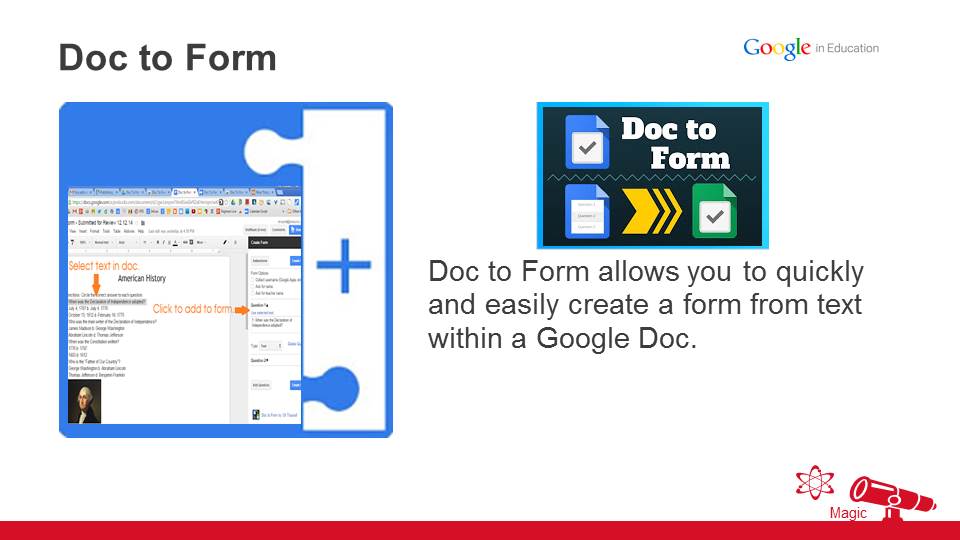
You should! I've finally added in my favorite Forms Add-ons and I'll continue to update as more changes are made. If you have others to recommend, be sure to tell!

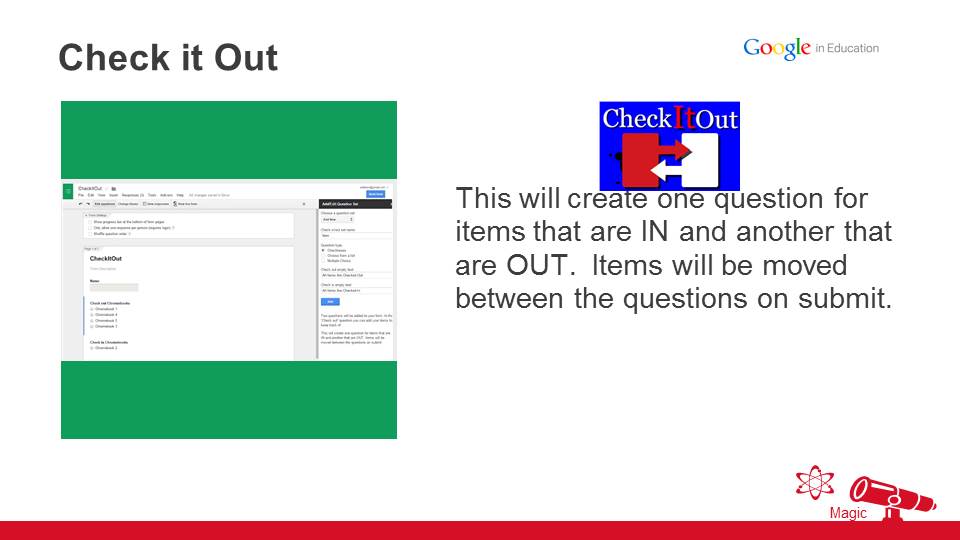
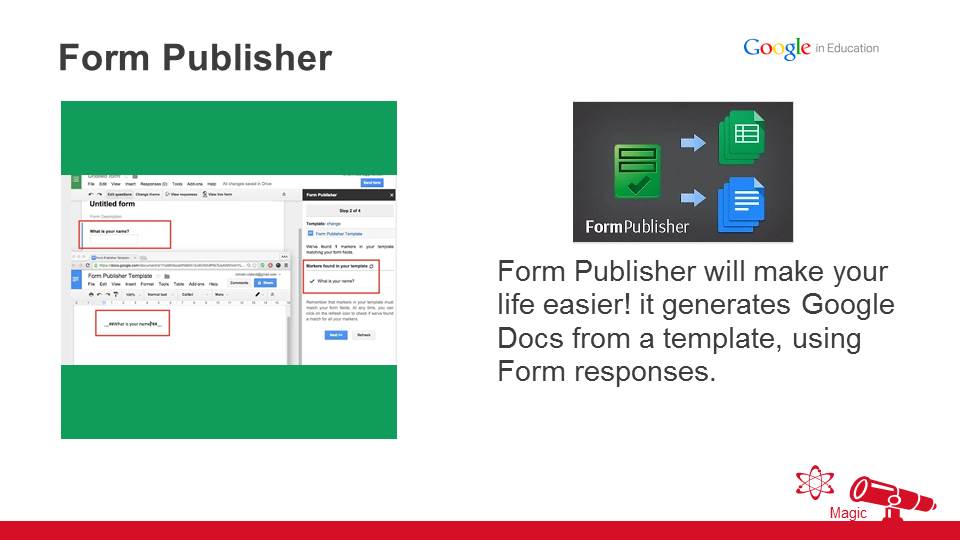
Google Add-ons for Docs, Sheets, and Forms make Drive even more awesome than it already is. Google Drive is left rather basic, but when you use add-ons, you can do more than you ever dreamed. Check out some of the awesome things you do with the use of an add-on. Check out Fennovation.org and Add-ons: Make or Break for more scripts.

Enjoy!


Slide28.JPG
Slide46.JPG
Slide47.JPG
Slide48.JPG
Slide49.JPG
Slide50.JPG
Slide51.JPG
Slide52.JPG
Slide53.JPG


Friday, April 17, 2015

AppsScripts - all of the cool kids are using them!

Google Apps Scripts are where all of the cool kids hang out. Seriously, you think Google Apps are school? Check out some of the awesome things you can make them do with the use of a simple script. Check out Fennovation.org and Scripting & Add-Ons Revealed for more scripts.

Enjoy!

Scripting & Add-ons preso slide.png


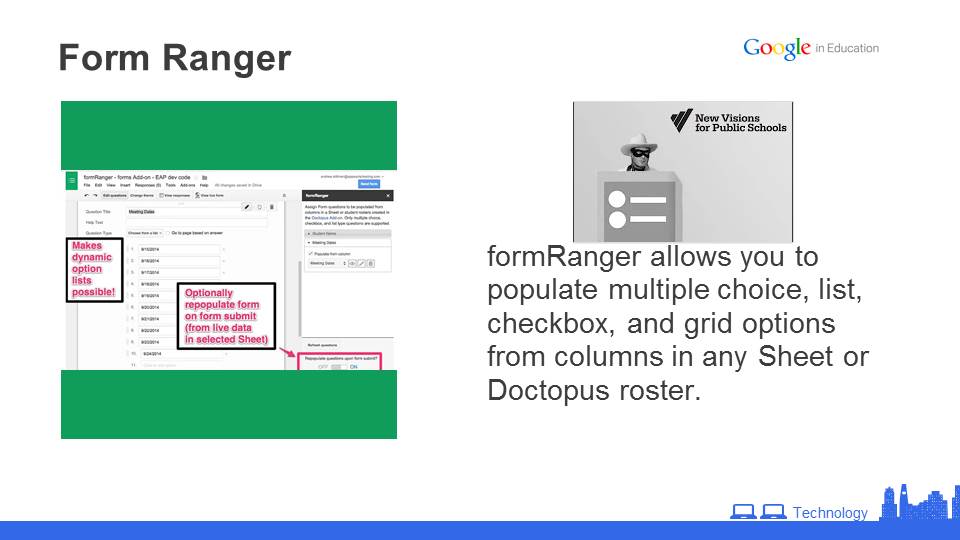
Form Ranger

  • Create a Google Form and install the add-on, Form Ranger
    • Imports a range from a Google Sheet (including those in Doctopus Add-on)
    • Allows you to populate and refresh multiple choice, list, checkbox, and grid style question options from columns in any Google Sheet.
  • View tutorial from creators, New Visions Cloud Lab
  • View ideas for uses from creators, New Visions Cloud Lab
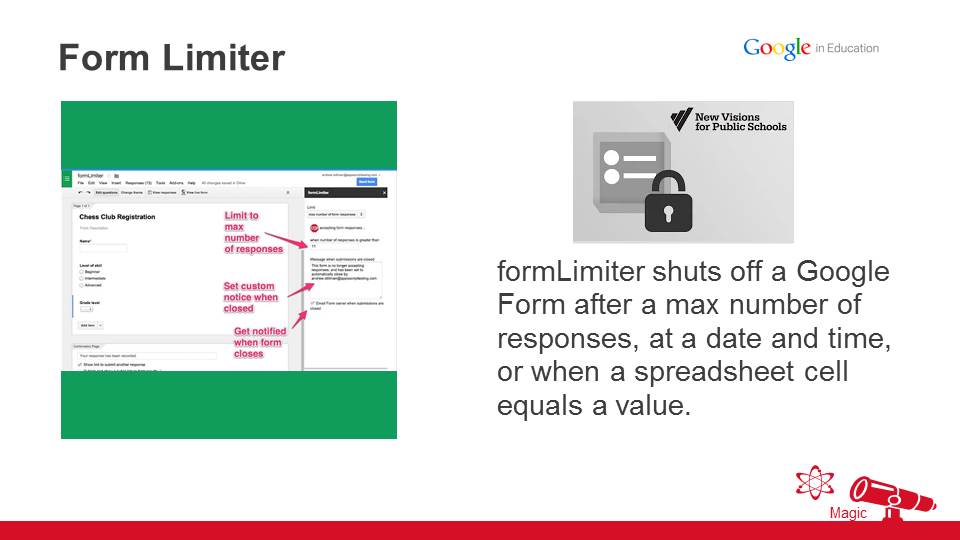
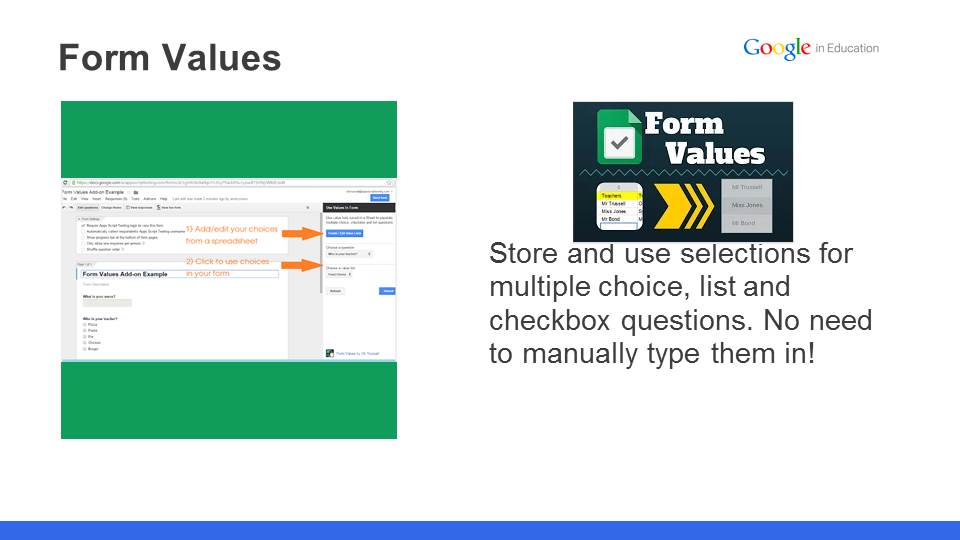
Form Limiter

  • Create a Google Form and install the add-on, FormLimiter
    • Limits response to forms based on several criteria
      • Time
      • # responses
      • Values
  • View tutorial from Brian Gray, Google Education Trainer
  • View ideas for uses from creators, New Visions Cloud Lab
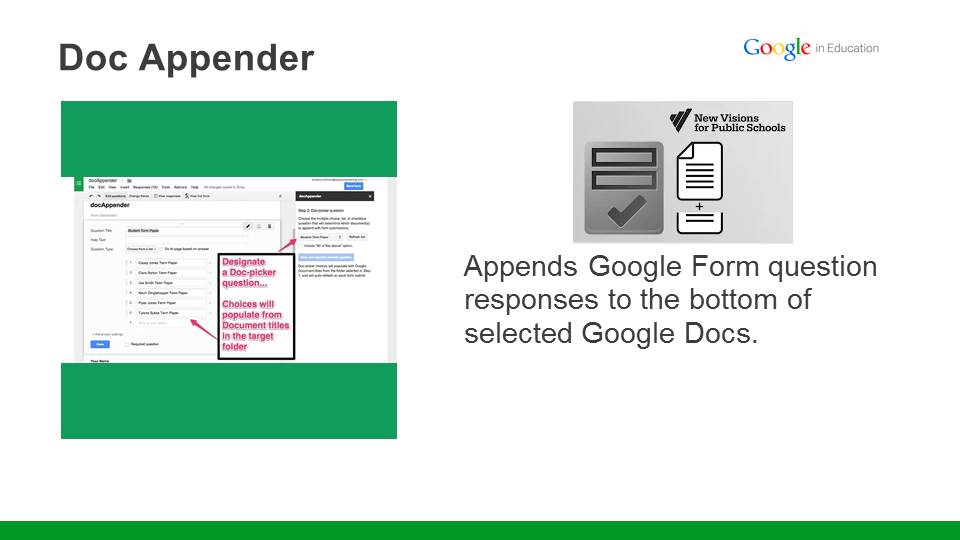
DocAppender

GEG CENTX’s very own, Alicia Brooks, provides an overview of how you can use DocAppender as a text response tool. It appends Form responses to a Google Doc.

Miscellaneous


Thursday, April 16, 2015

Chrome management & Chrome fun

Chrome - This and That
Who can’t use a boost of Chrome? If you aren’t using these apps/extensions, you should try them. Some new, some old, but all are geared toward the educator and productivity-seeking user. Check out more great Chrome tips and Chrome Apps/Extensions on Let’s Get Chromified from Fennovation.org

Sharing links: Tab Packager


Simple, fast and with a tiny footprint, it's now easy to share a bunch of links you're looking at, to anyone, anywhere, anytime, using only one link! Just click the button, wait a split second and a single link will appear.

Access the link to customise it, add content and share it!
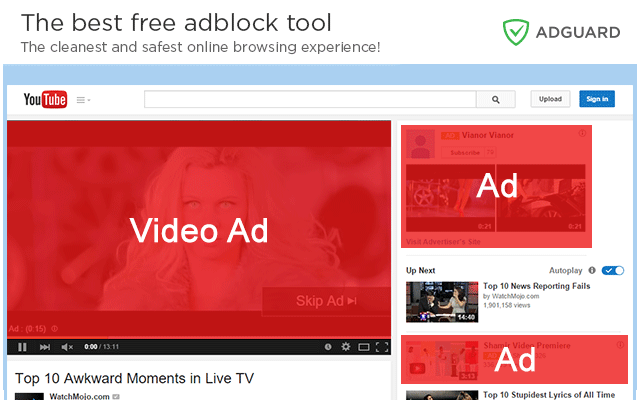
Block Ads: AdGuard Ad Blocker


Adguard AdBlocker effectively blocks all types of advertising on all web pages, even on Facebook, Youtube, and others! Like AdBlock, but works for banners, pop-ups, and Facebook!
Gif Gmail Fun: Gmail Gifline


Write in any place of gmail compose box
::gif me thegifyouneed
and done. Gif inserted.

Manage Autofill passwords

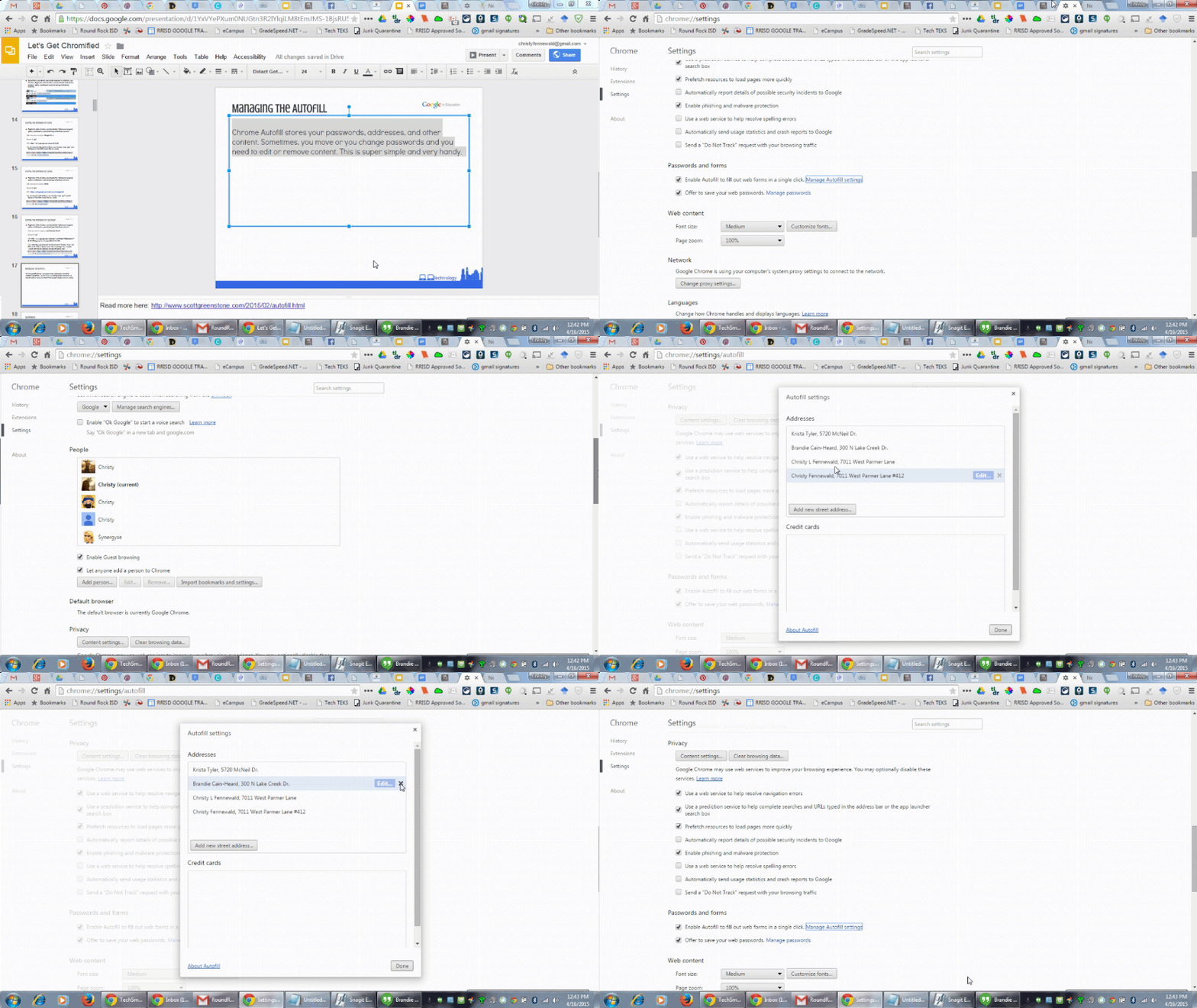
Autofill.gif
Chrome Autofill stores your passwords, addresses, and other content. Sometimes, you move or you change passwords and you need to edit or remove content. This is super simple and very handy.
Google + Help:


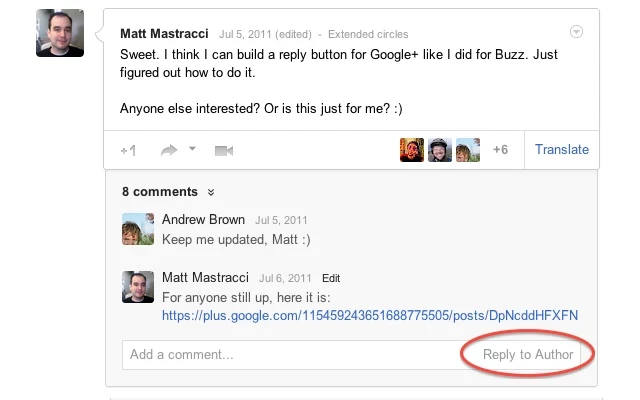
Easily share Google + posts to a variety of social media and quickly reply directly to author.

Google Apps Training:


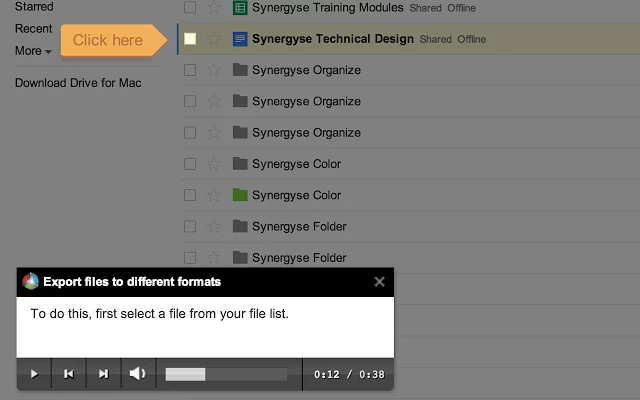
This is an interactive training system for Google Apps™ that allows you to learn and take actions at the same time. Great for students and teachers!

Google Hangouts:

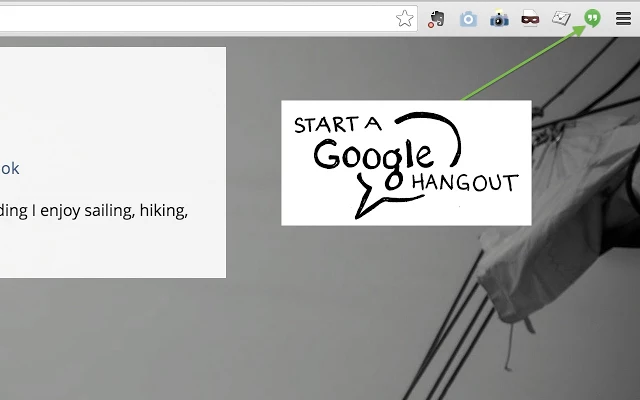
Yep. It’s that simple. Click a button and you can start a hangout!
Gmail Management:


This one is great for users who work with many file types. With the attachment icon, you can quickly know what files are in you email.
Google Sheets:


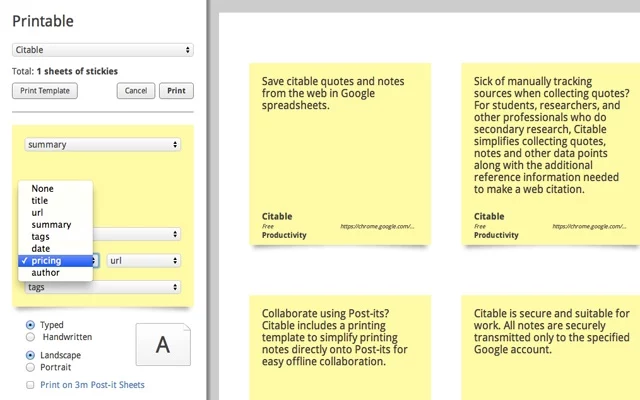
Create sticky notes from a Google Spreadsheet and quickly print. Pre-designed post-it layout presents your data in an easy to scan content first manner. Simply select a column to fill each form field and Printable does the rest. (Note: this one is having issues, but you can still create sticky notes in Google Sheets through formatting)
Literacy & Evaluation:


Find trustworthy websites and help make the web more trustworthy. Web of Trust (WOT) is a website reputation and review service that helps you make informed decisions about whether to trust a website or not when you are searching, shopping or surfing online.
Design & Development: Chrome App Builder


Chrome App Builder is a utility that allows you to easily create Chrome Packaged Apps without needing to type any code. With the Chrome App Builder, you simply define a few settings such as navigation controls and a home button, type in the app URL and finally choose whether you want it to be enabled for use in Kiosk Mode.