Friday, May 8, 2015

More #infographic resources!

I love infographics. Who doesn’t?! However, with so many resources out there to create infographics, it’s hard to sift through them as a classroom teachers. So, I’ve started a running presentation of the infographic tools my teachers use and my students recommend. To find out more, check out this information on fennovation.org or the Set your data loose presentation.


  • Upload your own images
  • Download as an image file
  • Share via Google + and Twitter
  • Search from a gallery of icons and templates


2.  Easel.ly

  • Upload your own images
  • Download as an image file or PDF
  • Share with a link or embed code
  • Search from a gallery of vhemes, objects, shapes, and backgrounds


  • Add media
  • Share with a link, embed code, and Twitter
  • Edit and customize pre-existing items


4. Canva


  • Upload your own images
  • Download as an image or PDF
  • Share with a link or Twitter
  • Edit and customize pre-existing items with a huge gallery selection!


  • Upload your own images
  • Share via Google + or Twitter
  • Edit and customize pre-existing items with a huge gallery selection!
  • A large gallery of pictograms and graphs to integrate with data


  • Upload your own images
  • Download as an image or PDF
  • Share with Twitter
  • Build-your-own infographic set up
  • No pre-set templates


  • Upload your own resume
  • Download as an image or PDF
  • Share with a link, embed code, Google + or Twitter
  • Edit and customize pre-existing items with a huge gallery selection!
  • Partners with Venngage


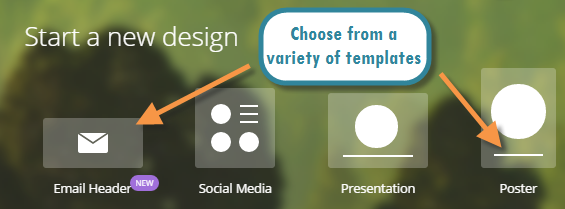
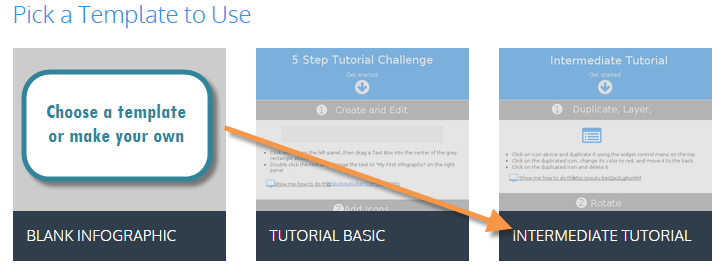
  • Browse a variety of templates
  • Download as an image (PNG, JPEG) or PDF
  • Share with a link, embed code, Google + or Twitter
  • Collaborate with others simultaneously
  • Easily embed in other products (especially Google)


  • Contains many teaching materials and tutorials
  • Classroom teacher lessons & vetted
  • FREE!


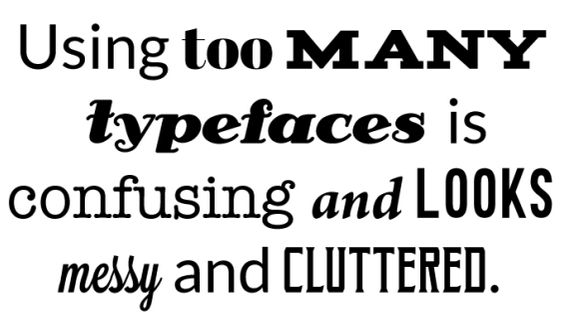
  • 20 tips on how to avoid typography mistakes
  • FREE!
  • Easy to use & clear for student instruction


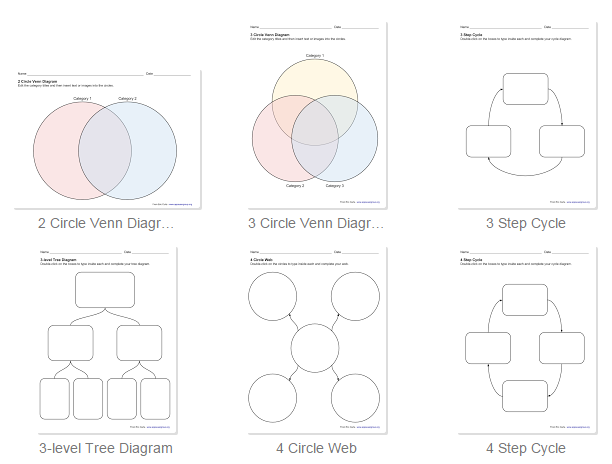
  • Contains over 20 graphic organizer templates
  • Make a copy & it is yours to edit and share!
  • FREE!


  • Share with a link, Google + or Twitter
  • Edit and customize pre-existing items with a huge gallery selection!
  • Presents in a presentation mode
  • Offers many premium features
  • Limited free features, but can upload existing presentations & edit
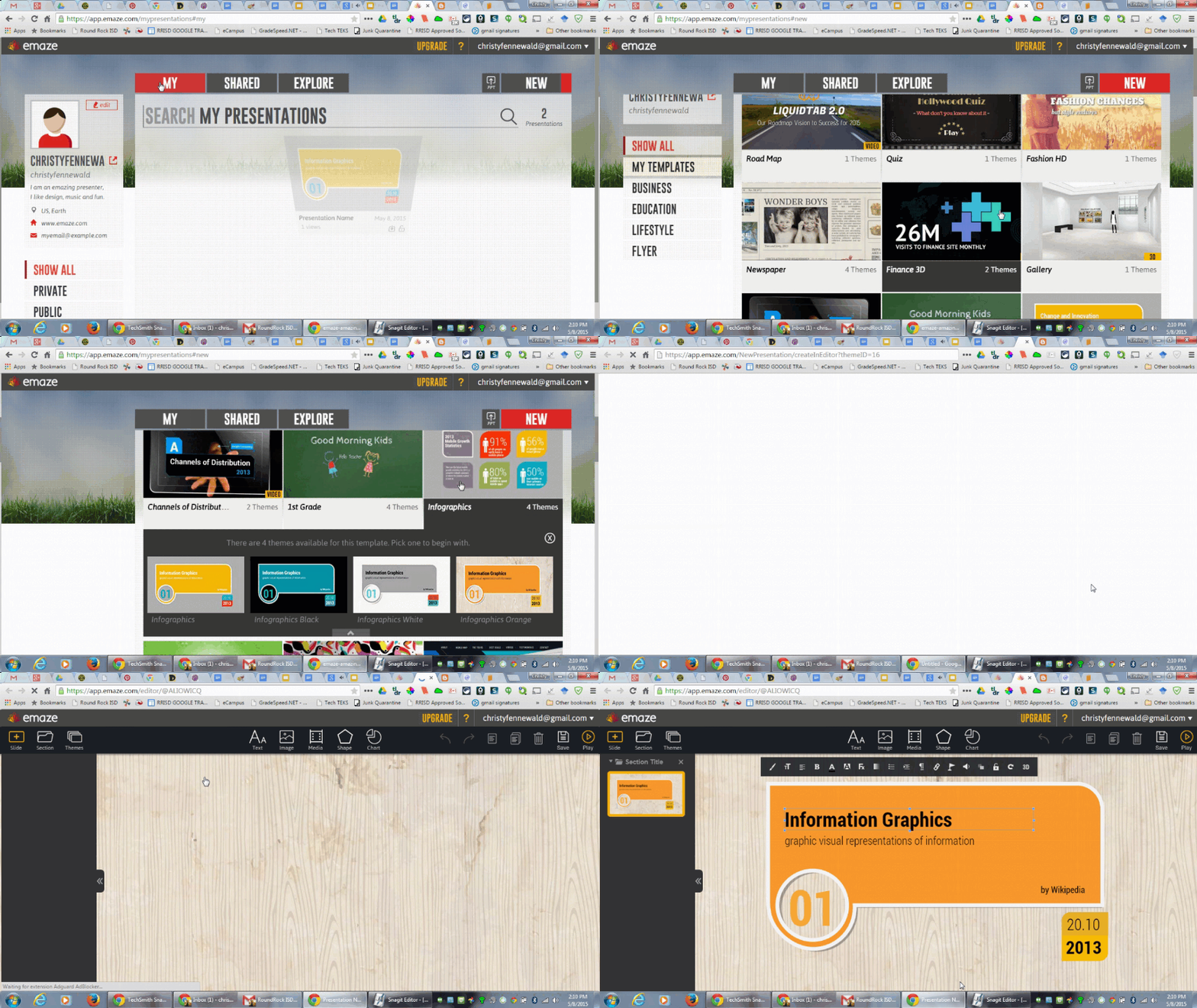
Stare emaze.gif


Thursday, May 7, 2015

More #gafe hacks! - locating files & adding events to multiple calendars

Google Apps are great by themselves. However, there are ways to integrate them that will send you soaring to the ceiling with enthusiasm. Try out these tricks to super-charge your Google Apps. Check out Fennovation.org and Google Hacked for more tricks.

Enjoy!


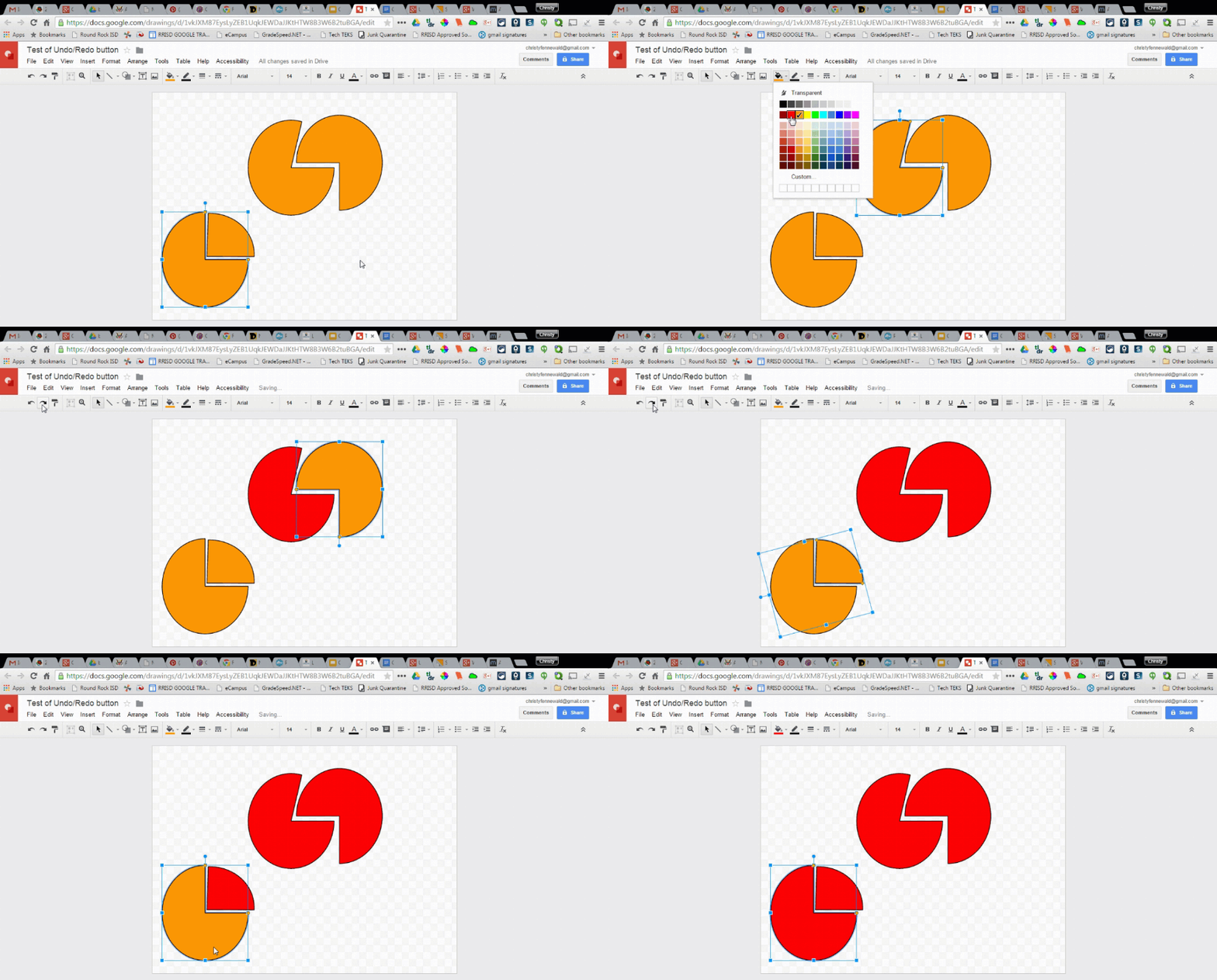
  1. Google Docs: Undo/Redo for easy formatting

Undo-Redo.gif
2. Google Slides: Awesome Templates with Slides Carnival

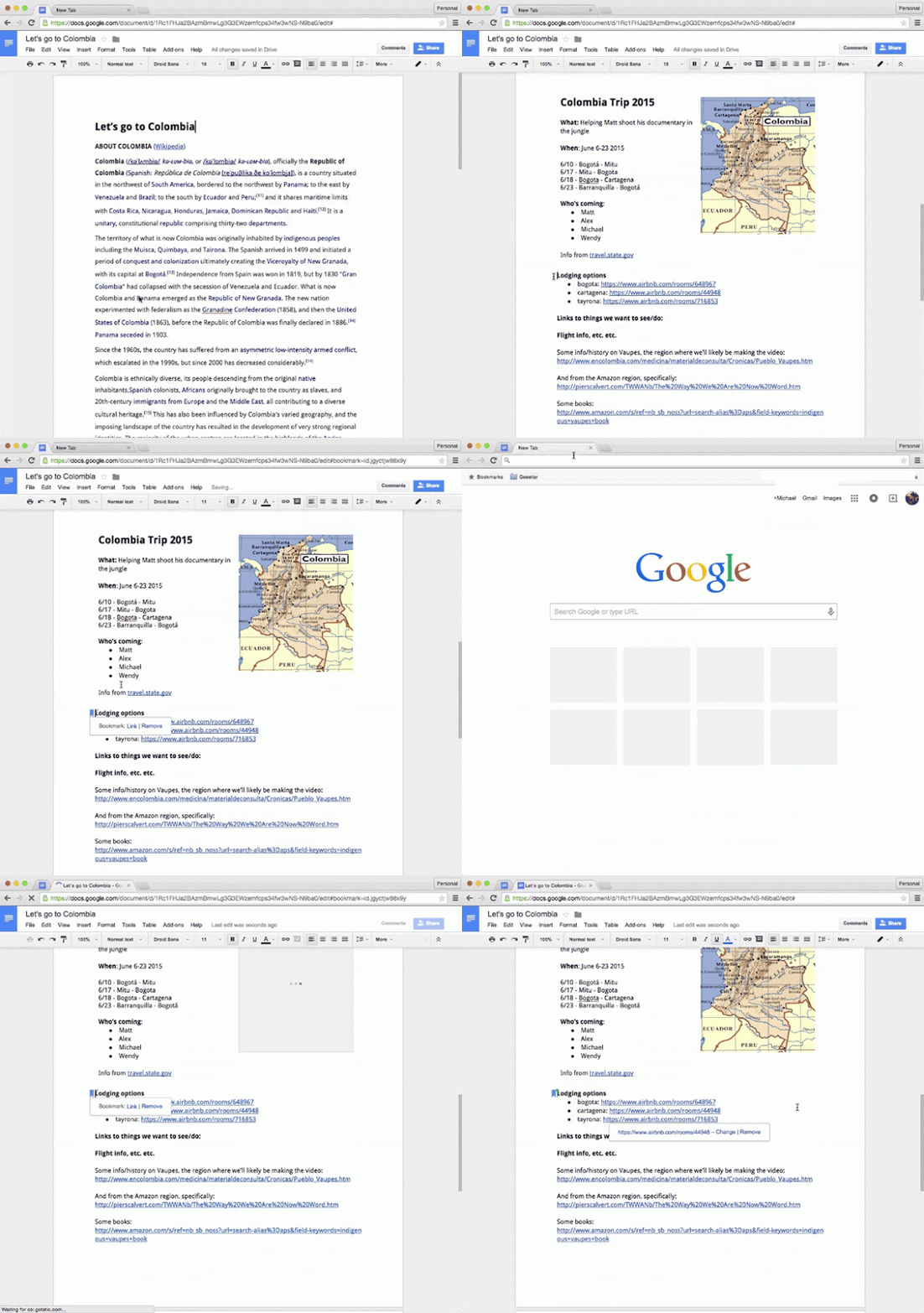
3. Google Docs: Link to specific parts of a Google Document

bookmark.gif
4. Google Drive: Set Auto Expiration

This tip is from Amit Agarwal.
  1. Start by making a copy of this script into your Drive.
  2. Add the URL of your shared Google Drive folder or any Google Drive file in line #3 and put expiration date in line #7 (YYYY-MM-DD HH:MM format).
  3. From File menu, choose Project Properties & select your Timezone from the dropdown.
  4. From Run menu, choose Start & authorize the auto-expiry script to run at the specified time.
  5. Watch tutorial video here.
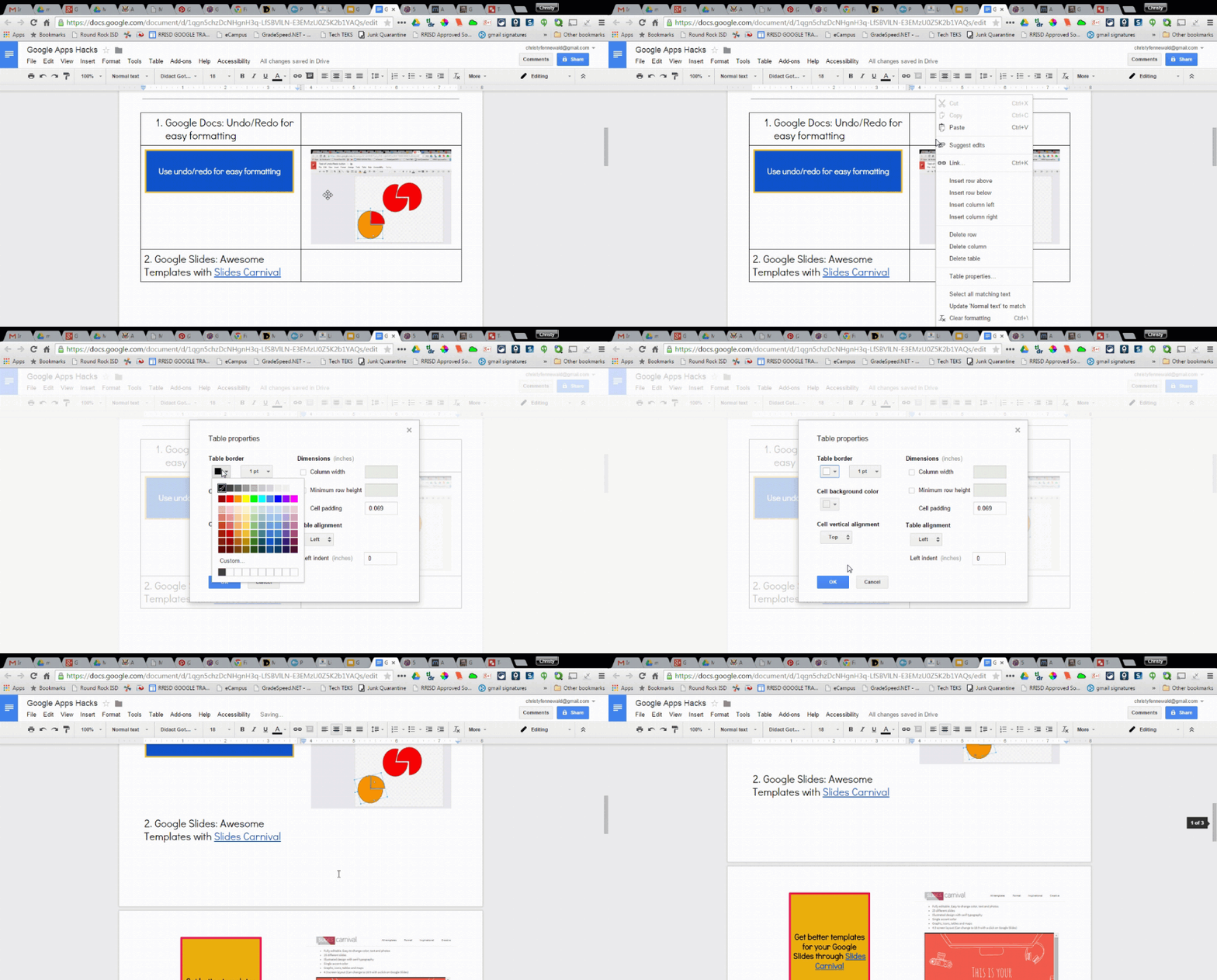
5. Google Drive Apps: Create transparent tables

Transparent Tables.gif
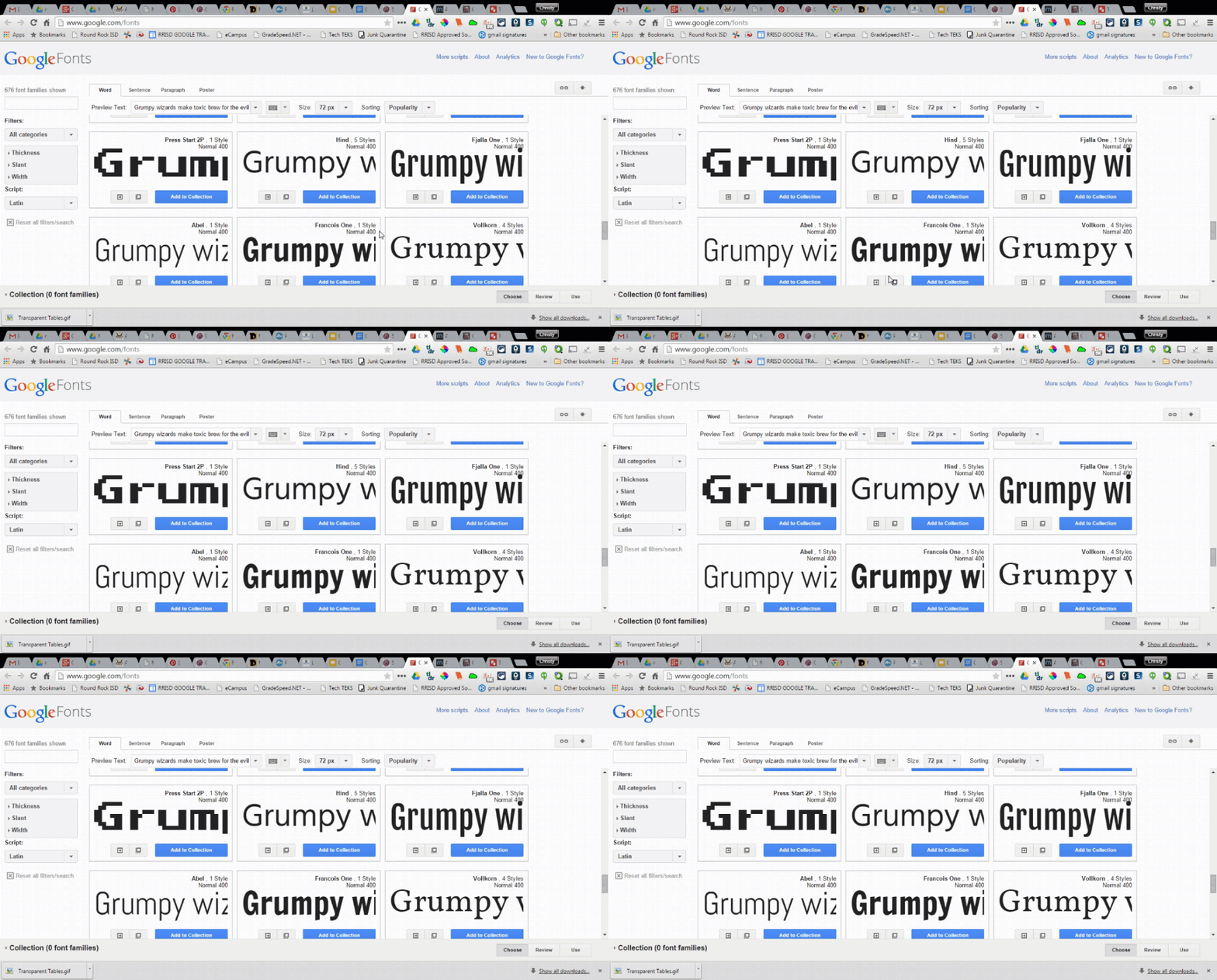
6. Google Drive Apps: Match fonts for easy design

Font Pairing.gif
7. Gmail: Manage subscriptions

Use your email address + a key word to sign up for subscriptions. Example: christyfennewald+blog@gmail.com or christyfennewald+newsletter@gmail.com. After subscribing, create an email filter for each address so messages coming to that address are routed to corresponding labels in your inbox. See here for more details.

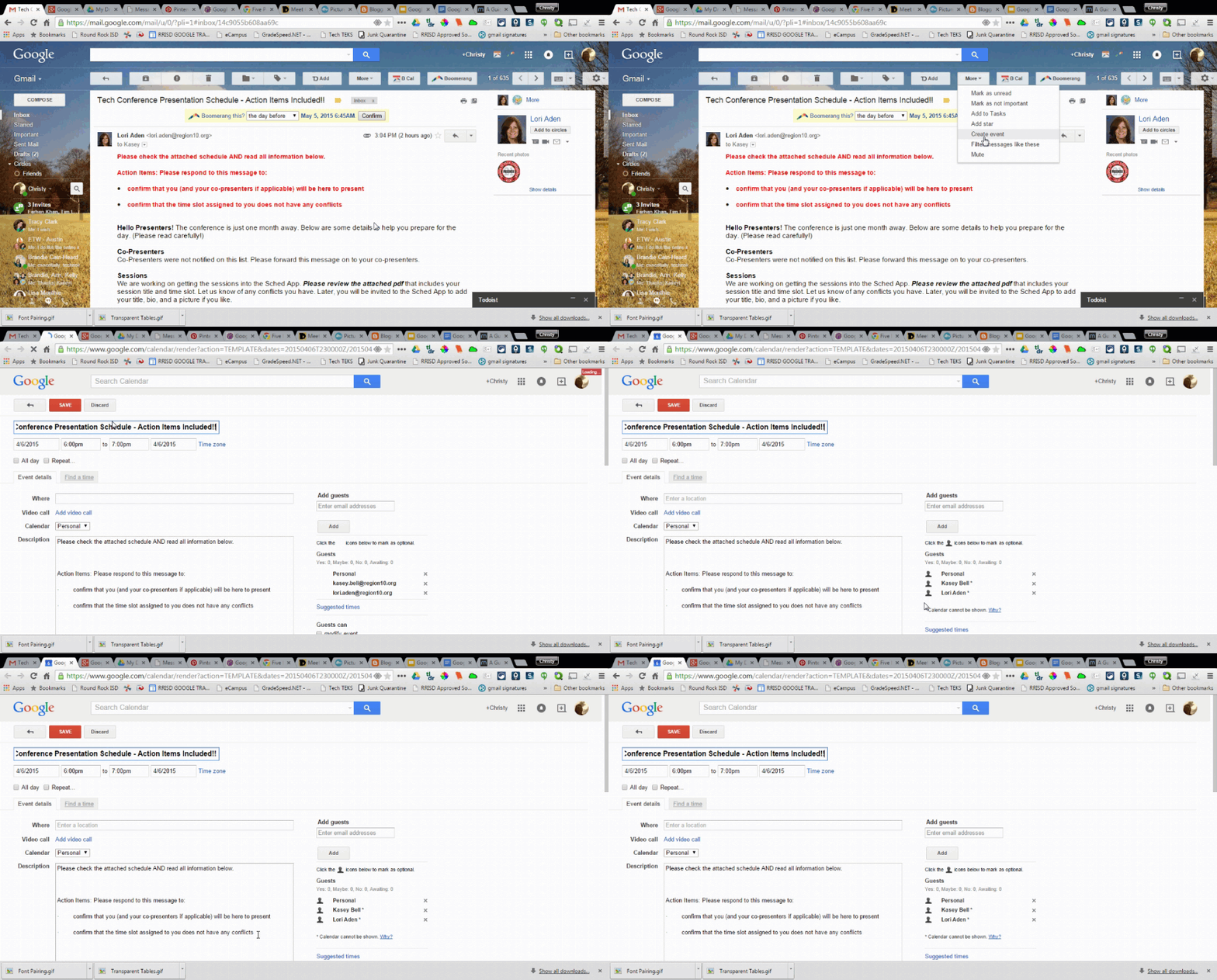
8. Gmail: Create Calendar event from Gmail

create event.gif
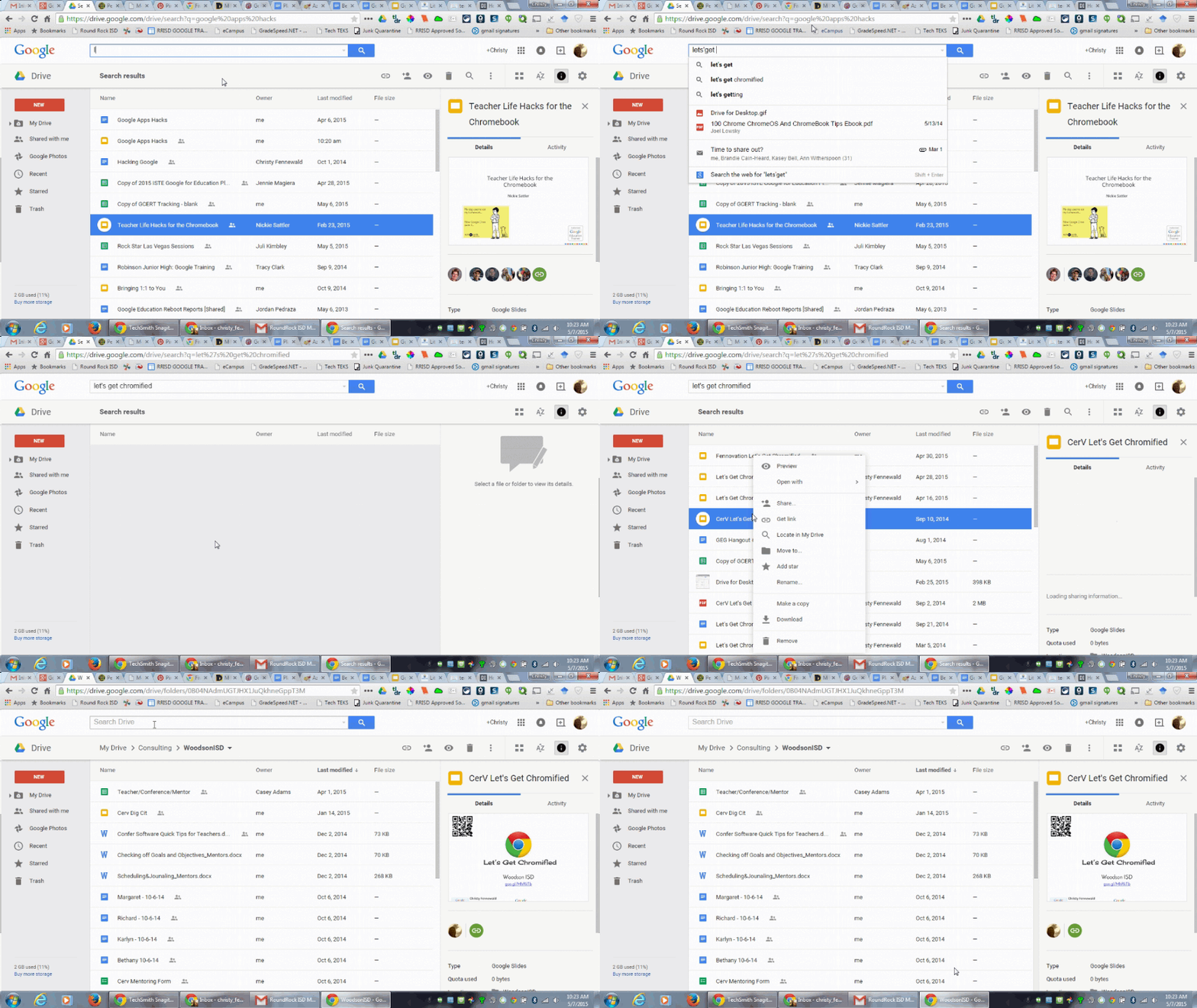
9. Locate a File in Google Drive

locate in drive.gif
10. Add events to multiple calendars


Check out this YouTube Video for more information on how to quickly add events to multiple calendars. Kudos to Sharon at Technologyrocksseriously.com


Tuesday, May 5, 2015

Best education conference #YourEduStory

This week's topic was generated by the fabulous +Krista Tyler

What is your favorite education conference you've attended? Why should others attend?

When I'm asked about my favorite anything, I often first think about the things I do NOT like. Forced connections are a pet peeve. Perhaps it is because I am naturally an introvert and the sound of a room full of people talking to their "neighbors" is overwhelming. And, I don't know how many connections are built that way. This is something I try to avoid when going to conferences, delivering conferences, and delivering sessions. Authentic connections can be made; we don't need to force those connections. 

2013-2014 were some of my best years educationally. I became a Google Certified teacher and co-founded the Google Ninja Academy. The Google Teacher Academy was a life-changing experience. It changed me as an educator, as a learner, and as a person. I became more confident. I became more of a risk-taker. And, I found more success. However, I don't attribute that to the academy itself. It wasn't the content. It wasn't even the format. It was everything else. It was the people. The people...that's what stuck with me. It was the experience of going to another city like Chicago. It was the experience of being around Google for two days. It was learning of the person.

And, that's the idea that has stuck with me. It goes back the he hierarchy of needs. Students won't learn if their basic needs like safety aren't met. Likewise, it's difficult to go to a conference that doesn't meet those basic needs. We crave connections. We crave humanity. We have to educate the person. 

A the end of last school year, I went to Playdate Austin. It was only from 8AM-noon. Short and sweet. There was no key note. There was no real agenda. Instead, student leaders were featured in open classrooms. Learners could come and go to the different rooms as they pleased. And, at the end, the kids came to the cafeteria to do a small showcase. I left that day with a new perspective. I didn't learn any new tools and that was great. Rather, I learned practices. And, students were empowered. I made connections on my own. They were not forced. They were necessary to learn. 

Last summer, I attended ISTE in Atlanta and, though ISTE is large and more traditional,, it has some great non-traditional spaces and sessions. I saw EdTech Chef on the agenda and decided to give it a try. At the time, I did not realize it was a three-day commitment. From day one, we sat down in random groups. Those became our teams for the next two days. And, better yet, no one stood at the front of the room and instructed. Instead, it was three days of creation. Yes, I went to a conference and actually worked. I wasn't able to check emails or stay half-focused. I had to be in attendance - mentally and physically. I was able to bring back this session to my group of instructional technology specialists and several campuses, including my own. Creation is a huge. We are used to just sitting so getting educators and students to create doesn't always come easy.

Lastly, makerspaces are my favorite. I have attended several maker faires throughout Austin. At every one, I have made something new, linked past and present knowledge, and have been engaged. It's cheap too. Throw in some coin cell batteries, card board, LEDs, old technology, legos, and SmartPhones and you can make your own stop motion videos of robots. Tell a story. Recreate a period in history. The options are endless. And, what's best is there is no set outcome. Learning is authentic. 

What are  your favorite conferences? 

Monday, May 4, 2015

Sharing #google secrets for #R10Tech

Tomorrow, I will share my love for Google's projects or, as some call them, the lesser known tools. I refrain from calling them that as it makes me think of tools that aren't as useful. But, that's far from the truth. Instead, I call them secrets. And, who doesn't want to know a secret?!

If you are curious about more COOL Google tools or you are unable to attend tomorrow's conference, check out Fennovation.org or Secrets of a Google Ninja.


Friday, May 1, 2015

Fenn Faves for #GAFE

I've been keeping a running presentation for each Google App for a while to document my favorite features and the ones I have learned from others. So, in the spirit of GAFE, share on and share out!

Find more GAFE resources on Fennovation.org.

Drawings updates -

  • I discovered Joshua Pomeroy's awesome vector drawings in Google Drawings recently. And, I couldn't help but continue to share it out as an awesome tool for graphics and art classes. 
  • I discovered a great idea of creating time lapse drawings in Google Drawings from Neil Boyd. This is great for showing things like the water cycle.

Docs updates
  • I use this feature all the time, but it hadn't occurred to me until a recent Google Docs blog post to include in here. To ensure someone response to your comments in Google Docs/Presentations/Drawings/etc., you can use +and their email address in the comment. Example: +christyfennewald@gmail.com 

Stay tuned for more updates & check out Google Hacked for more ideas.